
← All desktop apps
Lead discovery
ClientScout
Find and track client-ready leads from marketplaces and curated sources — in one place.
Blocked by your browser? Download the ZIP version instead
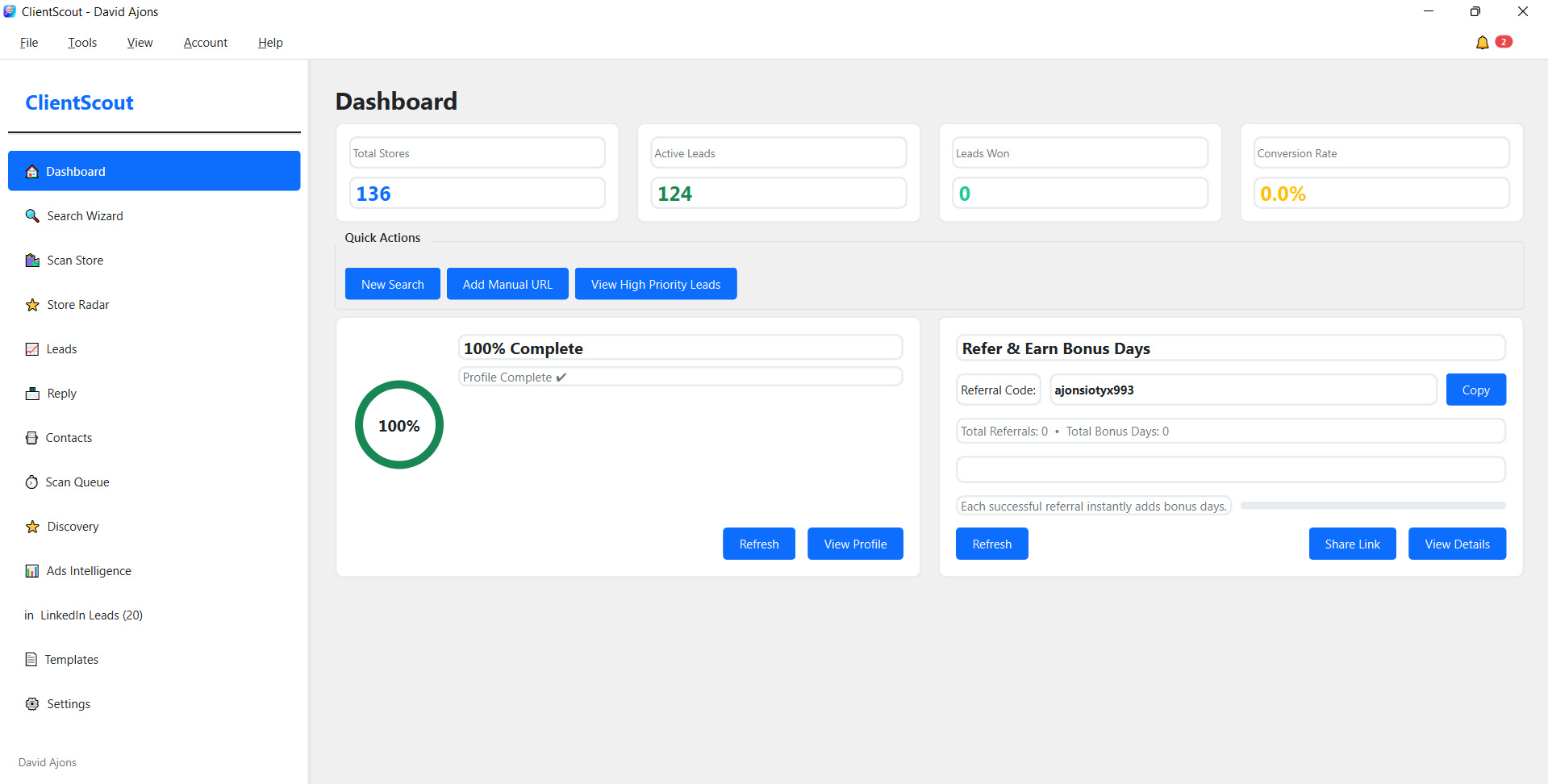
Why ClientScout
ClientScout helps freelancers, agencies, and sales teams spend less time searching and more time reaching out to the right clients.
Improved lead discovery workflows and search reliability.
Cleaner export and outreach preparation steps.
Performance and stability updates across the app.
Install and set up
From download to first run.
Windows SmartScreen may warn you. These apps are newly released and not yet code-signed, so Windows can show a “Protected your PC” message. Click More info, then Run anyway. The app installs no background services and does not modify system files.
- Click More info
- Click Run anyway
- This app helps you find and manage prospective clients.
- Install and open the app.
- Log in with your AJONS account.
- Run a search, then save leads you want to follow up with.
- Export your list for outreach.
- In ClientScout, open: Settings → API Settings
- Under Open‑Web Search Provider, set Provider to: brave
- In the Brave Search API section, paste your API Key into the API Key field
- Click Test Connection to confirm the key works
- Click Save to apply the setting
Frequently asked questions
Is ClientScout safe to install on Windows?
Yes. ClientScout does not install background services or modify system files. Windows may show a “Protected your PC” warning because the app is not yet code-signed.
Do I need a Brave Search API key?
Yes. ClientScout uses Brave Search API for open-web search, which requires your API key in Settings → API Settings.
Can ClientScout send outreach emails?
Yes. ClientScout supports SMTP. Configure it in Settings → Email (SMTP).